Unisex T-shirt Mockup Canva Frame: Your Design Shortcut
Let’s be honest, getting a professional-looking product shot for your apparel brand can be a real hurdle. Between hiring models, finding the right lighting, and mastering photo editing, it’s a time-consuming and often expensive process. That’s where the Unisex T-shirt Mockup Canva Frame steps in, offering a surprisingly simple and effective solution right inside a tool you probably already use. This isn’t just another static image; it’s a dynamic, editable template that puts you in the director’s chair.
What Exactly Is This Canva Frame?
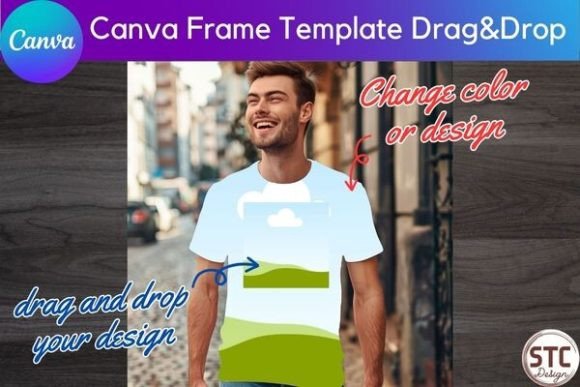
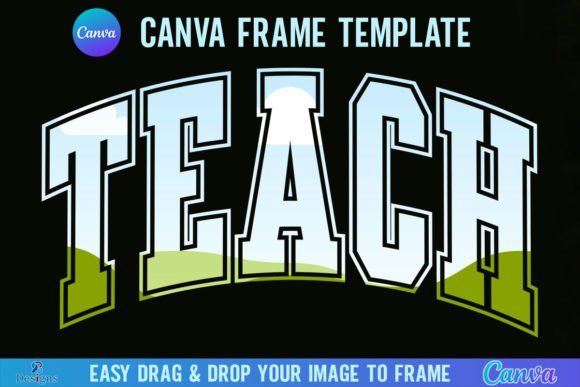
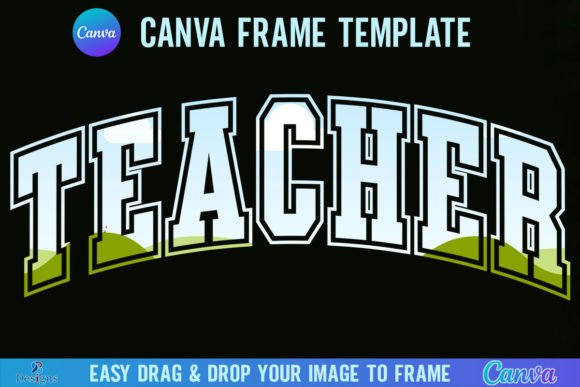
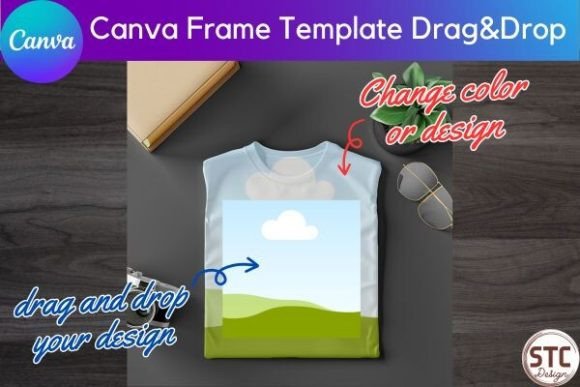
Think of it as a digital mannequin that lives inside Canva. The core of this product is a pre-designed, photorealistic image of a classic, gender-neutral t-shirt. But it’s more than just a picture. It’s built using Canva’s "Frames" feature, which acts like a smart window. You simply drag your own artwork, logo, or pattern onto the frame, and it automatically conforms to the shape and perspective of the shirt. The result? A mockup that looks like you spent hours in a studio, created in a matter of minutes.
The visual style is clean, modern, and intentionally neutral. The t-shirt is typically shown flat-lay or on a simple hanger, against a plain background. This minimalist approach is its greatest strength. It doesn’t distract from your design. The personality is professional yet accessible—it’s a versatile design asset that serves as a blank canvas. Whether you’re showcasing a bold graphic tee, a subtle embroidered logo, or an all-over pattern, the frame adapts to let your work shine. It’s the kind of tool that instantly elevates the look of an online store, a social media ad, or a client presentation.
Where This Mockup Truly Shines
The applications for this Unisex T-shirt Mockup Canva Frame are incredibly broad, touching nearly every corner of the creative and commercial world. For entrepreneurs and small business owners, it’s a game-changer for e-commerce. You can generate consistent, high-quality product images for your entire collection without a single photoshoot. This consistency is crucial for building a strong brand identity and fostering trust with your audience.
Graphic designers and marketers will find it invaluable for pitching ideas and creating social media graphics. Imagine presenting a new brand concept to a client with a full suite of mockups showing the logo on apparel, rather than just a flat logo file. It makes the vision tangible. For bloggers, publishers, and content creators, it’s perfect for promoting merch lines or creating engaging visual content that feels native to platforms like Instagram and Pinterest.
Even crafters and hobbyists benefit. Planning a family reunion shirt or a custom gift? You can preview exactly how the final product will look before you commit to printing. It removes the guesswork and adds a layer of professionalism to personal projects. The key is its role in the broader ecosystem of modern typography and visual communication. A great typeface or logo design deserves a proper showcase, and this frame provides that context, bridging the gap between a digital file and a physical product perception.
Practical Tips for Getting the Most Out of It
Using the frame is straightforward, but a few pro tips can make your results even better. First, consider your source artwork. For the best outcome, use a high-resolution PNG file with a transparent background for logos or isolated graphics. For patterns or full-coverage designs, ensure your file dimensions are large enough to avoid pixelation when stretched across the shirt.
Once you’ve dragged your design into the frame, don’t just stop there. Double-click the image inside the frame to enter the editing mode. Here, you can scale your design up or down and reposition it. Is your logo perfectly centered on the chest? Is your graphic sitting at the right height? This level of control is what separates a good mockup from a great one. Play with it. Sometimes, a slight rotation or an off-center placement can create a more dynamic, realistic look.
Think about the overall composition of your final image. The mockup itself is just one element. You can place it on a custom background in Canva, add text with a complementary font pairing, or include other design elements to create a complete scene for a blog header or an ad. This is where you can really infuse your brand’s personality. The mockup provides the professional product shot; you provide the creative context.
Finally, remember the terms of use. This is a powerful commercial font—wait, it’s a commercial tool—for your business. You are fully licensed to use the final images you create in any commercial project, from selling products to running ads. The only restriction is you cannot resell the empty frame template itself as is. This clarity is refreshing and allows you to use the asset with confidence, integrating it seamlessly into your workflow for logo design, packaging design concepts, or editorial design projects. It’s a practical, no-fuss addition to any designer’s toolkit.