Mastering the Mama Varsity Canva Template Frame Design
The Mama Varsity Canva Template Frame Design is more than just a decorative asset; it is a strategic tool for anyone looking to elevate their visual content without needing advanced technical skills. If you have recently downloaded this resource, you likely received a compressed folder. The first step is simple: unzip the file to access the contents. Inside, you will find a PDF file. This document serves as your direct gateway to the creative workspace. Open the PDF and click the link provided within to instantly load the templates into your Canva account.
Once you access the file, you will notice it provides two distinct variations: Grouped and Ungrouped. This distinction is crucial for your workflow. The Grouped version locks the frame elements together, ensuring that your structural integrity remains intact while you work. The Ungrouped version offers greater flexibility, allowing you to move, resize, or edit individual components of the frame design. For most quick projects, the grouped version is the fastest way to achieve a polished look, but the ungrouped version is invaluable for designers who want to customize the frame's dimensions or placement within a larger layout.
Practical Application and Design Flexibility
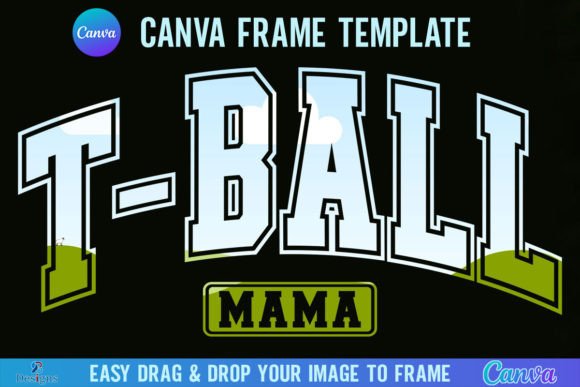
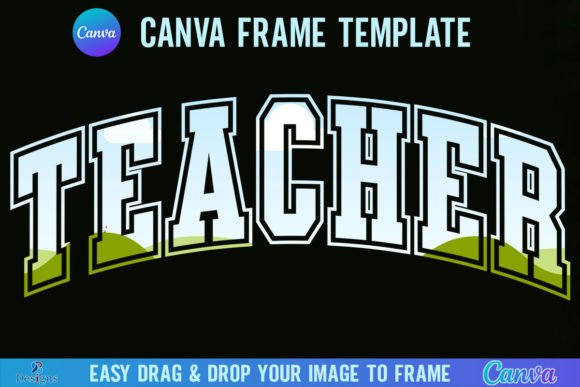
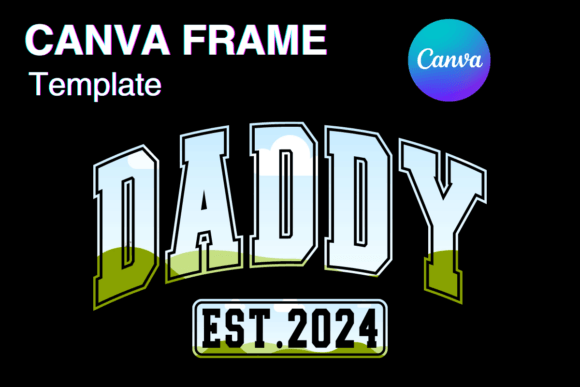
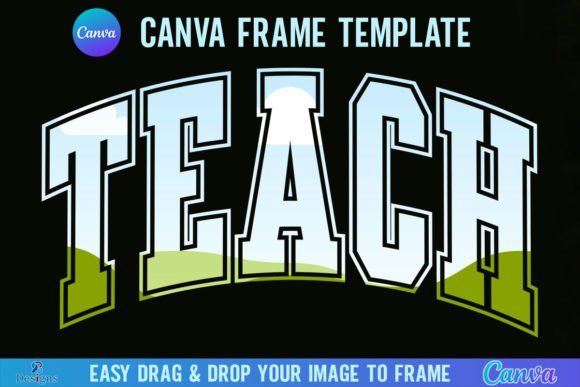
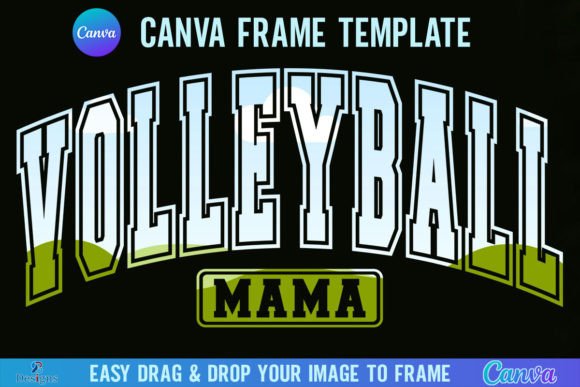
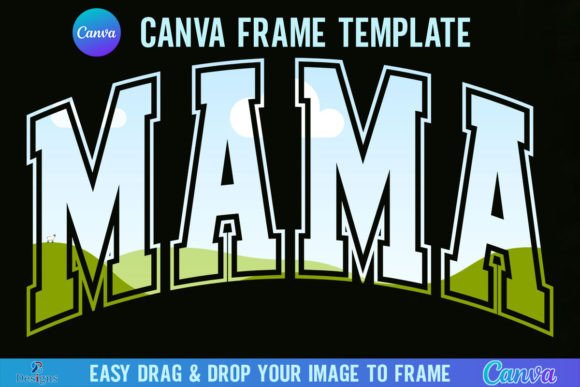
One of the standout features of the Mama Varsity Canva Template Frame Design is its ease of use regarding image placement. The design is built on a 12x12 inch paper size, which is the industry standard for high-quality scrapbooking, printables, and square digital assets. To fill the frame, you do not need complex masking skills. Simply drag and drop any PNG or JPG background image into the designated area, and the frame automatically clips the image to fit the shape. This functionality allows you to create complex visual effects in seconds, making it an ideal asset for busy marketers and content creators who need to produce high-quality graphics quickly.
When considering the visual personality of this design, it is essential to understand its strengths. Frame designs like this act as a visual anchor. They draw the viewer's eye inward, focusing attention on the central content. Whether you are using a script font overlay or a bold sans serif font for your headline, the frame provides the necessary contrast to make your typography pop. It is particularly effective for social media graphics where visual hierarchy is paramount. By containing your central message within a defined space, you reduce visual noise and increase the impact of your call to action.
Strategic Use Across Different Media
The versatility of the Mama Varsity Canva Template Frame Design extends across various mediums. For brand identity projects, frames are excellent for creating consistent profile pictures or recurring motifs on Instagram and Pinterest. In editorial design, such as digital magazines or lookbooks, these frames can highlight specific products or featured articles. If you are a crafter, the 12x12 inch size makes it perfect for digital scrapbooking pages or printable wall art.
However, it is vital to respect the technical specifications of the product. This is a digital design asset intended for use within Canva. It is not an SVG file, which means it is not optimized for vector-based cutting machines like Cricut or Silhouette. Attempting to use this file for physical die-cutting will yield poor results. Instead, view this as a tool for web design and print-on-demand projects. You can easily export your finished design as a PDF for printing or a PNG for digital distribution.
Optimizing Your Workflow
To get the most out of this template, you need a free Canva account to access and edit the link. However, there is a specific limitation regarding transparency. If your project requires a transparent background—for example, to overlay the frame onto a complex video background or a textured website header—you will need a Canva Pro subscription or higher. The free version allows you to download the image with a white or colored background, but transparency is a premium feature.
When selecting images to place inside the Mama Varsity Canva Template Frame Design, consider the visual weight of the frame itself. If the frame has a heavy, bold style, pair it with a cleaner image that has ample negative space. If the frame is delicate, a busier image might work well. This balance is a core principle of modern typography and layout design. It ensures that the final product feels harmonious rather than cluttered.
Enhancing Visual Hierarchy and Engagement
Effective graphic design relies on controlling where the viewer looks. The Mama Varsity Canva Template Frame Design assists in establishing a strong visual hierarchy. By framing your primary content, you implicitly tell the audience, "This is the most important part." This technique is widely used in packaging design and logo design, where a frame can enclose a brand name to create a badge or seal effect.
For entrepreneurs and small business owners, this tool offers a way to maintain brand consistency. By using the same frame style across multiple posts or flyers, you create a recognizable pattern that your audience will associate with your content. Over time, this repetition builds brand recognition. It turns a simple graphic into a piece of your larger marketing ecosystem.
Tips for Font Pairing and Readability
While the frame provides the structure, the typography provides the voice. When working inside the Mama Varsity Canva Template Frame Design, pay close attention to readability. Avoid overly ornate handwritten fonts for long paragraphs, as they can become difficult to read at smaller sizes. Instead, use a premium font with high legibility for body text and reserve more decorative styles for short headlines.
Consider the "personality" of your font choices. A serif font often conveys tradition and authority, making it suitable for legal or financial content. A sans serif font feels modern and clean, ideal for tech or lifestyle brands. When pairing fonts, look for contrast in weight and style. For example, a bold, blocky header font pairs well with a light, airy body font. The frame acts as the stage for this typographic performance, so ensure your text has enough breathing room within the borders.
Final Thoughts on Digital Assets
Ultimately, the Mama Varsity Canva Template Frame Design is a versatile addition to any creator's toolkit. It streamlines the creation process, allowing you to focus on the message rather than the mechanics of layout design. Remember that this is a digital product; no physical frames will be shipped. It is a file designed to live in your digital workspace, ready to be customized whenever inspiration strikes.
By understanding how to use the grouped and ungrouped layers, respecting the 12x12 inch dimensions, and pairing the frame with appropriate typography, you can produce professional-grade graphics. Whether you are designing a social media post, a printable art piece, or a brand asset, this template provides the structure needed to present your content with clarity and style.