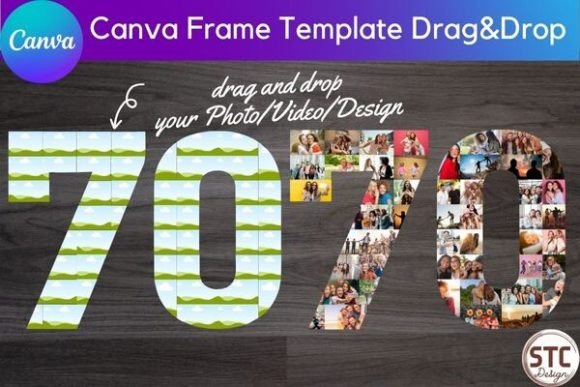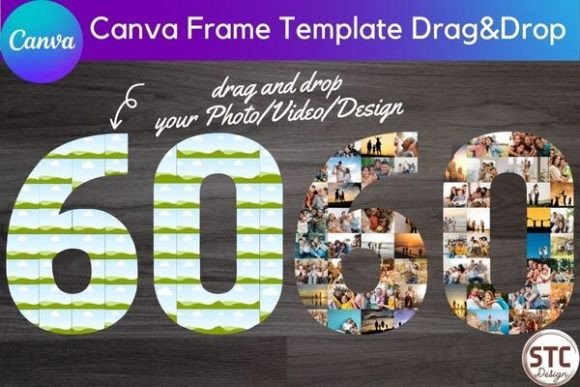
60 Sixty Number Collage Canva Frame
More Than Just a Number: A Dynamic Design Tool
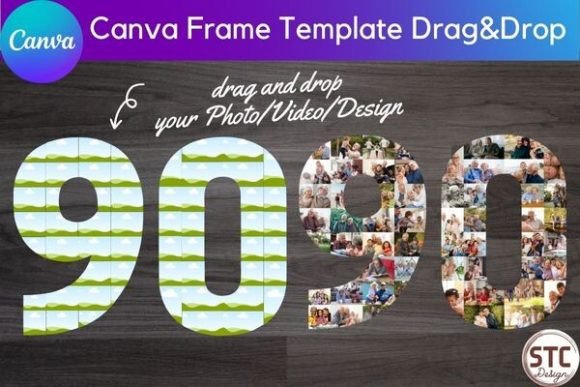
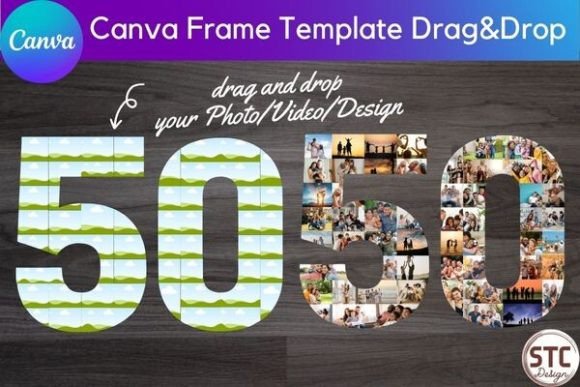
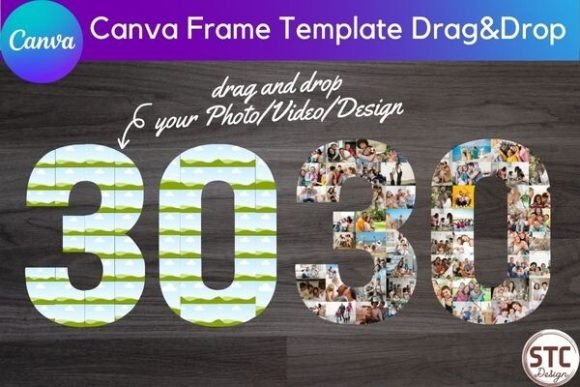
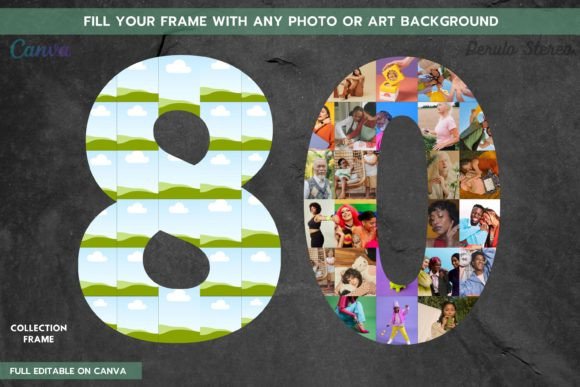
Celebrating a milestone birthday, anniversary, or a significant year in business calls for something special. A generic "60" graphic often falls flat. The 60 Sixty Number Collage Canva Frame offers a far more compelling solution. This isn't a static image or a simple font. It's a versatile, editable design asset built directly into Canva's powerful editor. At its core, it's a smart template where the numerals "6" and "0" are constructed as frames, ready for you to fill with your own photos, videos, or custom graphics. The visual result is a personal, textured, and deeply meaningful piece of art that tells a story. It transforms a simple number into a rich visual narrative, perfect for anyone from a designer creating a client's party invite to a small business owner celebrating a company milestone.
The personality of this template is inherently customizable and modern. Its style leans into the collage aesthetic—layered, personal, and vibrant. The overall appeal lies in its ability to merge typography with photography seamlessly. Instead of a font that imposes a mood, this Canva frame acts as a vessel for your content. It provides a strong, recognizable typographic structure (the number "60") while allowing the texture, color, and emotion of your chosen images to define its final look. This makes it an exceptionally flexible tool for diverse projects, whether you're aiming for a nostalgic, celebratory, professional, or playful vibe.
Practical Applications Across Creative Projects
The true strength of this digital download is its adaptability. For personal projects, it's a game-changer. Imagine creating a stunning photo collage for a 60th birthday party, using pictures from every decade of the celebrant's life. The frame becomes a timeline. For a wedding anniversary, you could fill it with favorite photos from your journey together. It's equally powerful for printable decorations like posters, wall art, or even custom stickers for party favors.
For entrepreneurs and marketers, the applications are equally robust. A small business could use it to create a social media post celebrating "60 Years in Business," filling the numbers with iconic product shots or team photos. It's perfect for generating engaging content for newsletters, website banners, or digital ads. The template extends into physical products as well. Using Canva's export features, you can prepare designs for print-on-demand items like custom mugs, phone cases, tote bags, or t-shirts, offering a unique product line for your store.
Key Uses at a Glance:
- Digital & Social Media: Instagram posts, Facebook covers, digital invitations, YouTube thumbnails, website hero graphics.
- Print & Physical Goods: Party posters, wall art, custom apparel (hoodies, jackets), accessories (mugs, phone cases), stickers.
- Branding & Marketing: Company milestone announcements, promotional graphics, email newsletter headers, event marketing materials.
How This Template Influences Your Design
Using a structured frame like this fundamentally shapes your project's visual hierarchy. The bold "60" immediately becomes the focal point, drawing the viewer's eye. What they discover inside—the photos and textures—adds a layer of detail and engagement. This two-level viewing experience (macro shape, then micro detail) is excellent for audience engagement. It encourages people to look closer, spending more time with your content.
From a brand identity perspective, this tool helps maintain consistency. If you're running a campaign around a 60th anniversary, you can use this frame across multiple assets—social media, email, print flyers—creating a cohesive and recognizable visual language. The result feels more professional and thoughtfully designed than using a standard number font alone. It elevates a simple announcement into a piece of editorial design, where the story is told through curated imagery.
Making the Most of Your Canva Frame
Getting started is straightforward. After purchase, you download a PDF with a link that opens the template directly in your Canva account (works with both Free and Pro). The key instruction is simple: drag and drop your chosen photo or design element onto the frame. Canva's smart frame technology will automatically crop and fit your image into the number's shape. Double-clicking the placed image lets you adjust its position, zoom, or rotation within the frame for perfect composition.
Here are a few practical tips for the best results:
- Choose High-Contrast Images: For the numbers to be clearly legible, use images with varying tones. A mix of light and dark areas within your photos will help define the numeral's shape against your background.
- Consider Your Background: The frame will sit on a canvas. A solid, contrasting color or a subtle texture can make the collage number pop, while a busy background might compete for attention.
- Test Readability: Zoom out or view your design at a small size to ensure the "60" is instantly recognizable. This is crucial for social media graphics and thumbnails where space is limited.
- Pair with Complementary Typography: You'll likely need to add text like "Happy Birthday" or "Celebrating 60 Years." Choose a sans serif font or a clean serif font that complements rather than clashes with the collage's detailed texture.
This digital download is a powerful piece of your design assets toolkit. It’s not a premium font in the traditional sense, but a functional creative font